Book Appointment Now

Why Devices Lose Battery Capacity Over Time
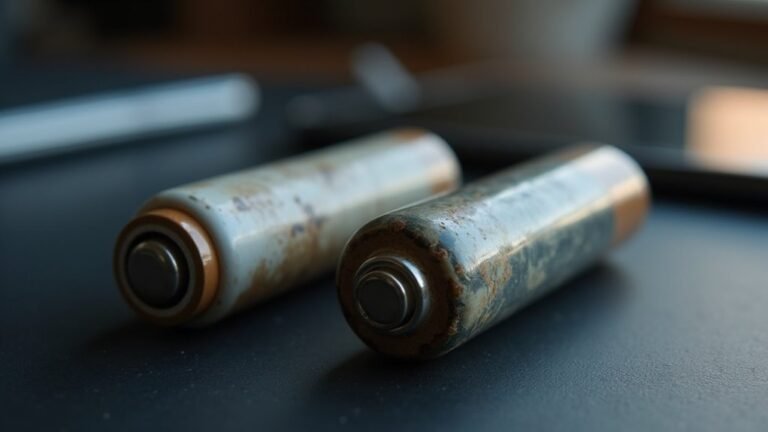
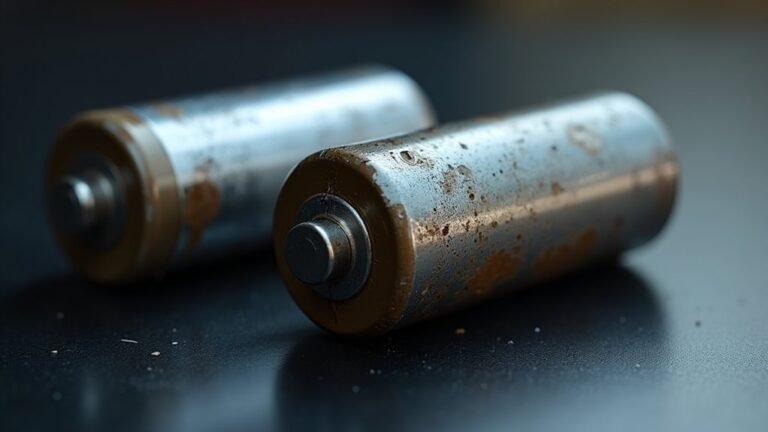
Batteries lose capacity because their internal chemistry degrades with use and time. Repeated charging and discharging creates tiny changes inside the cells that reduce how much charge they can store. Heat and high charge levels accelerate chemical wear and speed up capacity loss. Fast charging and heavy use raise internal stress and shorten overall battery life. Practical care and sensible charging habits slow degradation and keep devices running longer.
What Battery Capacity Loss Means
At the time your device battery seems to “wear out,” it usually means the cell can no longer hold as much charge at its rated voltage as it once did. You still have a battery, but its usable capacity has shrunk, so your phone or laptop feels ready to quit sooner.
Consider nominal voltage as the battery’s usual working level, while capacity tells you how much energy it can deliver there. Once that stored energy drops, you notice shorter screen time, faster drops from 50% to 20%, and more charging stops during your day.
You’re not imagining it, and you’re not alone. This change is normal, and it doesn’t mean your device is broken. It simply means the battery can’t serve you as long as before.
What Causes Battery Capacity Loss?
Battery capacity loss starts with a mix of chemical aging, normal wear, and the way you use and charge your device. Whenever you keep a device for years, its cells slowly change inside, and that can feel frustrating.
| Cause | What it does | Why you notice it |
|---|---|---|
| Heat | Speeds up side reactions | Battery drains faster |
| Time | Creates calendar aging | Capacity fades even idle |
| Voltage stress | Strains the cells | Less usable power |
| Manufacturing defects | Weakens cell quality | Problems show up sooner |
| Electrolyte composition | Affects ion flow | Storage gets less efficient |
You’re not alone here. Small flaws, hotter days, and tough charge habits can all add up. Over time, the battery stores less energy at the same voltage, so your phone feels tired before you do.
How Charge Cycles Wear Batteries Down
Each charge cycle leaves a tiny mark on a battery, and those marks add up faster than most people expect.
Whenever you plug in, use power, and recharge again, you’re moving lithium ions back and forth through the cell. That movement slowly wears the electrodes, so you get electrode fatigue. At the same time, the SEI growth on the anode uses up a little lithium each cycle, which lowers the charge your battery can hold.
You’re not doing anything wrong. Every phone, tablet, and laptop joins this same quiet process.
Still, deeper discharges and full 100% charges stress the cell more, so wear builds faster. With many cycles, ion paths become less smooth, and your battery starts feeling weaker, even whenever it still works.
How Heat Damages Battery Health
Heat speeds up the chemical reactions inside your battery, so it wears out faster than it should.
Whenever you leave your device in hot places, you make those reactions even stronger and shorten its useful life.
Over time, that extra stress lowers how much charge your battery can hold, even assuming you treat it well most of the time.
Heat Accelerates Chemical Breakdown
As soon as your phone or laptop feels hot, its battery is already under pressure, and that extra warmth speeds up the chemical breakdown inside it.
You’re not imagining it; heat pushes the battery’s inner reactions to move faster, so more material gets used up in the wrong way.
Over time, that buildup of damage can raise entropy increase inside the cell and weaken the parts that store charge.
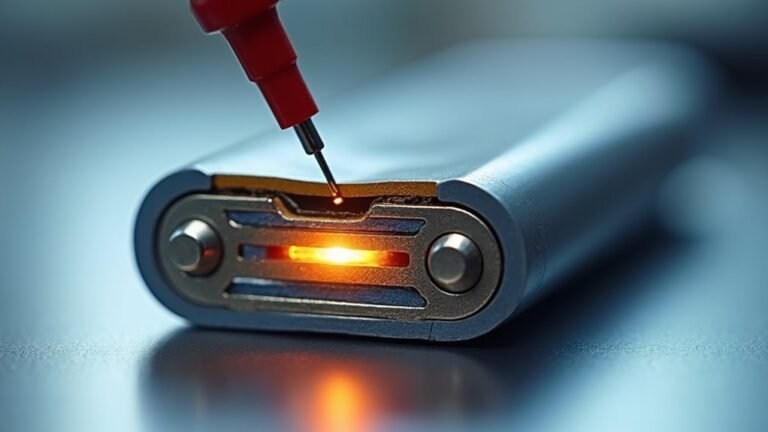
In extreme cases, heat can help trigger thermal runaway, where reactions feed on each other and the battery loses control.
You can protect your device through keeping it out of sun, away from blankets, and off soft surfaces while charging.
Small cooling habits help you stay in the battery-safe crowd.
High Temperatures Reduce Lifespan
Whenever a battery stays hot for too long, its lifespan can drop faster than you’d expect. Heat pushes the cell into stress, so you might notice more thermal throttling and weaker runtime during busy days.
Then the chemistry keeps working against you.
- Hot charging speeds wear
- Electrolyte evaporation dries parts out
- Side reactions grow faster
- Internal resistance rises
- Capacity fades sooner
Because of this, your device could feel less reliable in a warm pocket, car, or sunny room. You’re not doing anything wrong; the battery just can’t stay healthy under repeated heat.
Should you keep it cooler, you help it hold charge longer and stay in the group of devices that still feel dependable.
Why Fast Charging Can Add Wear
Fast charging can add wear because it pushes energy into the battery faster than the cells can handle comfortably, and that extra pressure raises chemical stress inside the pack. You might feel the speed is worth it, but your battery chemistry pays the price.
High current can create thermal gradients, so one part of the cell heats more than another. That uneven heat speeds side reactions and nudges ions to move in less orderly ways.
Over time, the battery builds small changes that cut storage space and raise resistance. Should you often charge fast, you’re not doing anything wrong, but you’re asking the battery to work harder.
Slower charging gives the cells more breathing room and helps your device stay healthier longer.
Why Full Discharges Shorten Battery Life
A full discharge can wear a battery down faster because it forces the cells to work through the deepest, most stressful part of their range. You might feel like you’re giving it a true reset, but the battery often feels pushed too hard.
That strain can speed battery sulfation in some chemistries and raise the chance of electrode delamination in others.
- Deep drains add more cycle stress
- Ion flow becomes harder at very low charge
- Internal layers face extra strain
- Recovery takes more effort after each drop
- Repeated emptying can shorten usable life
How Time Affects Battery Health
Even in case you barely touch your device, time still works on the battery in the background. In the long term, its chemistry keeps shifting, even while you’re simply carrying it around or leaving it on a desk.
Tiny particles move more slowly through the cell, so molecular diffusion becomes less steady. At the same time, passive aging adds stress that you can’t see, and electrolyte decomposition slowly eats away at the battery’s ability to hold charge.
You may not notice it today, but these changes stack up little by little. That’s why a battery can feel fine one month and weaker the next. Still, you’re not doing anything wrong. Time just asks every battery to work a bit harder, and it never really takes a day off.
How Storage Habits Affect Battery Capacity
In case you store your battery at a partial charge, usually around 40% to 60%, you can ease the chemical stress that builds up over time.
Leaving it at 100% for long stretches can make the battery work harder than it should.
Heat during storage adds even more strain, so a cool, dry place helps protect capacity.
Partial Charge Storage
Whenever you store a battery at the right partial charge, you give it a much easier life. You’re helping it stay in the friendly middle, where stress stays lower and capacity lasts longer. That’s why partial charge storage matters so much whenever you put a device away for weeks.
- Keep it near 40% to 60%
- Avoid full charge for long storage
- Skip deep discharge before storage
- Check it every few months
- Recharge gently should it drop too low
You also dodge the old memory effect worries, which mostly belonged to older cells. And you cut the chance of electrode plating, since the battery isn’t pushed into harsh states. Should you store it this way, you’re treating it like part of the group, not leaving it to struggle alone.
Heat During Storage
You can do everything right with partial charging and still lose battery health provided heat gets in the way, because storage temperature quietly shapes how long a battery can stay strong. Whenever you leave a device in a hot car, near a sunny window, or beside a warm router, the cells age faster even though they’re not working hard. That extra warmth speeds side reactions inside the battery and slowly steals capacity.
You’ll also notice ambient humidity can add stress whenever moisture and heat team up. So, store your device in a cool, dry place, and avoid tight cases that trap warmth. Keep pack orientation stable, assuming you can, so heat spreads more evenly. Small habits like these help you protect the battery you rely on every day.
Signs Your Battery Capacity Is Dropping
One of the clearest signs that battery capacity is dropping is that your device starts feeling tired sooner, even though your usage habits haven’t changed much. You might also notice the battery voltage falling faster under load, which makes the icon dip quickly after a fresh charge. Whenever that happens, your phone can join the “needs a charger again” club too soon.
- It shuts off before the meter hits zero.
- It drops from full to half in a short burst.
- It warms up during normal tasks.
- It shows big swings after a few charge cycles.
- It stays low longer than before.
These clues often show up together, and they can feel frustrating, but they’re common. Should your device seem less steady day by day, you’re not imagining it.
How To Slow Battery Capacity Loss
You can slow battery capacity loss through keeping your device cool, because heat speeds up wear inside the cell.
Try to charge between about 20% and 80% most days, since full charges put more stress on the battery.
Also, use certified chargers so you give your battery steady power instead of extra strain.
Avoid Heat Exposure
Heat can quietly drain a battery’s health long before you notice a real problem, so avoiding hot conditions is one of the smartest ways to slow capacity loss.
- Keep your phone out of direct sun.
- Don’t leave it on a car seat.
- Skip thick insulated cases when it feels warm.
- Let it rest after gaming or video calls.
- Move it to a cooler room fast.
Whenever you protect your device from heat, you’re also helping the inside chemistry stay calmer. That matters because high temperatures speed up battery wear and make damage stick around.
Should you ever felt your phone get uncomfortably warm, trust that signal. Small changes like shade, airflow, and quick breaks can help you keep your battery in the group for longer.
Charge Between 20–80
After keeping your phone cooler, the next easiest way to protect its battery is to avoid filling it to the top every single day. Whenever you keep your charge between 20 and 80, you cut stress on the cells and slow chemical aging.
That middle range helps with battery balancing, because the pack spends less time at the highest voltage. It also supports depth optimization, since shallow charge and drain cycles usually cause less wear than full swings.
You don’t need to obsess over every percent. Just unplug earlier, top up any time you can, and skip the habit of chasing 100% unless you really need it. Over time, this small routine can help your battery stay healthier, hold power better, and feel more dependable whenever you need your device most.
Use Certified Chargers
Certified chargers matter more than most people consider, because the charger and cable don’t just refill your phone, they help shape how gently or harshly the battery gets treated. Whenever you choose authentic adapters, you give your device steadier power and less heat, which helps slow capacity loss over time.
- Pick certified brands that match your device.
- Check for clear safety marks and model support.
- Avoid cheap, unverified plugs that can spike voltage.
- Use the right cable, not a worn one.
- Keep warranty compliance in mind for repairs and support.
This matters because sloppy charging can add stress fast. If you opt for trusted gear, you protect the cells, reduce wear, and join the many users who want their devices to last longer without extra worry.
When To Replace Your Battery
You should consider about replacing your battery whenever it can no longer support your daily routine without frustration.
Should your phone dies before dinner, takes forever to charge, or drops fast after a full top-up, replacement timing is getting close.
Next, check the battery health screen and run warranty checks so you know whether repair or replacement makes sense.
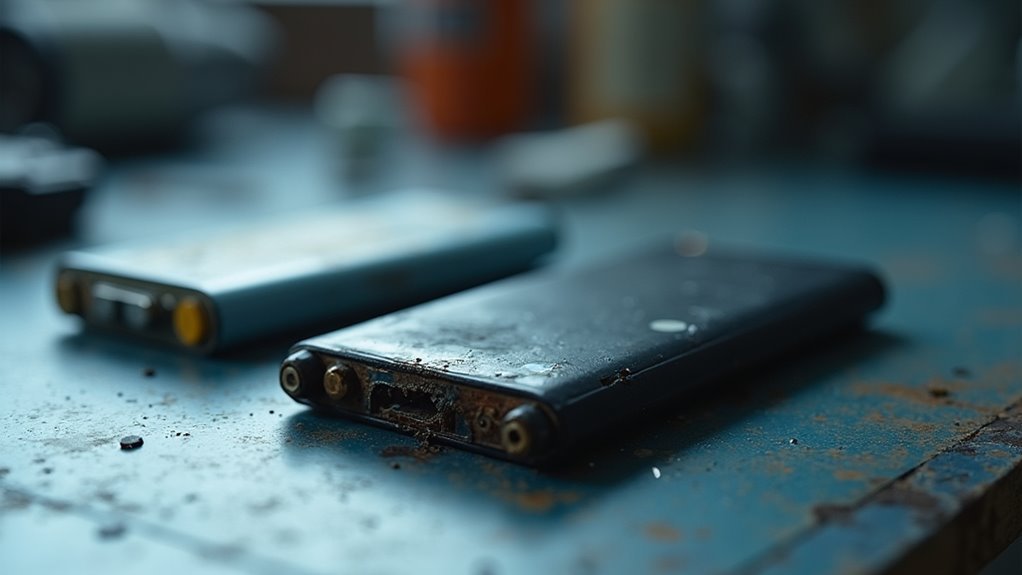
Also, watch for swelling, heat, random shutdowns, or sudden drops from 30% to 5%. Those signs usually mean the cell’s chemistry and structure have worn down.
Even assuming the device still turns on, you deserve reliable power that keeps up with you.
Once the battery starts making simple tasks feel stressful, a fresh one can help you feel back in control.
Frequently Asked Questions
What Is SEI, and Why Does It Matter for Batteries?
SEI is the solid electrolyte interface, a thin surface film on battery electrodes. You need it because it protects cells, but it also traps lithium, slows ion flow, and gradually reduces your battery’s capacity.
Do Cold Temperatures Damage Battery Capacity Too?
Yes, cold exposure can reduce your battery’s usable capacity, even if it does not usually cause lasting damage. You’ll notice capacity loss most near freezing, but the battery often rebounds once it warms again.
Why Do Background Apps Make Battery Drain Seem Worse?
Background apps continue running in the background and using app permissions, so they wake your phone, sync data, and track location. You will see faster drain even when you are not actively using the device, which makes battery life feel worse.
Can Partial Charging Really Extend Battery Lifespan?
Yes. Partial charging can extend your battery’s life. You will keep it happier by using shallow cycles and avoiding constant 100 percent charges; it is a win for both device longevity and daily uptime.
Why Do Silicon-Based Batteries Degrade Faster?
You’ll see silicon based batteries degrade faster because silicon swelling cracks particles, and cycle instability keeps damaging them each charge. You lose capacity sooner, but smarter charging and gentler use can help you stay ahead.