Book Appointment Now

How Battery Cycles Affect Battery Lifespan
Batteries lose capacity mainly because each full or partial charge cycle causes tiny, irreversible chemical changes. Frequent deep discharges and high temperatures accelerate that degradation. Gentle charging habits, cooler storage, and avoiding extreme loads slow the process. Modern battery management systems and optimized charging routines help extend usable life. Knowing these basics makes it easier to get more reliable performance from devices over time.
What Battery Cycles Mean
Battery cycles sound simple, but they tell you a lot about how a battery is really aging. You count one cycle when you use the battery’s full energy, even though you don’t drain it all at once. That means partial cycling patterns still add up, especially whenever your state of charge moves through the same range again and again.
You’ll often hear cycle life compared at 80% capacity, because that’s where the battery starts feeling less dependable. Different battery types can show very different cycle counts, so your results mightn’t match someone else’s. Still, the basic idea stays the same: cycles help you track use, wear, and the point where your battery no longer feels like it’s keeping up with you.
How Cycles Wear Batteries Down
Once you know what a cycle is, it gets easier to see why batteries wear out over time. Each time you charge and use one, tiny changes happen inside. You’re not just moving power around, you’re slowly stressing the chemistry.
The electrodes expand and contract, which causes electrode degradation. At the same time, SEI growth forms a thicker layer on the anode, and that layer can block ions from moving as freely. So the battery holds less energy with each round.
You may not notice it right away, but the loss builds. That’s why a pack can feel fine for months, then suddenly seem weaker. You’re part of a normal process, not doing anything wrong. Cycle wear is just the battery’s way of showing its age.
Why Depth of Discharge Matters
Keeping your battery in the right range can make a big difference, because depth of discharge changes how hard each cycle feels to the cells.
Whenever you use only part of the pack, you create partial cycles that usually cause less wear than full drains. That means your battery can stay with you longer, and that feels good whenever you rely on it every day.
Deep discharges stretch the chemistry more, while lighter use keeps stress lower and more even.
You might also notice state hysteresis, where the battery’s voltage response doesn’t look perfectly straight or simple after charging and resting.
How Heat Shortens Battery Life
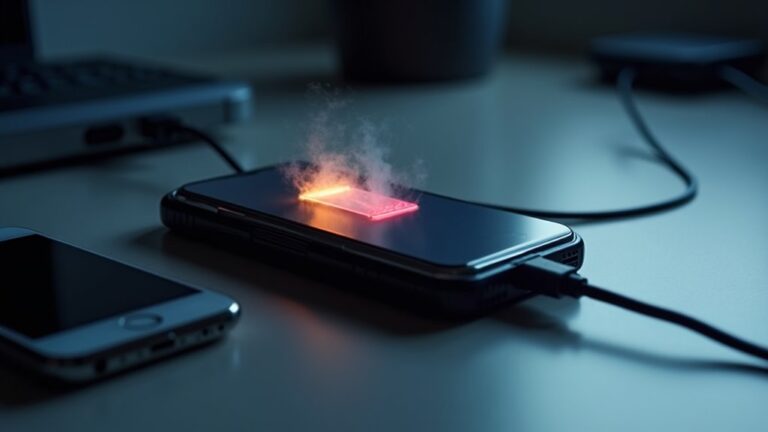
Heat can wear a battery down faster than you could expect, and that matters just as much as how deeply you use it. When the ambient temperature stays high, the cells work harder, and their chemistry ages faster. You might notice less run time, then less trust in the battery, and that can feel frustrating.
Heat also speeds up damage inside the pack, so each cycle costs a little more. Should the battery gets too hot, safety systems could step in, but extreme heat can raise the risk of thermal runaway. That’s why a cooler, shaded spot helps you protect the battery you rely on. Even a small drop in heat can help you keep more usable cycles and stay part of the long run.
Which Charging Habits Reduce Cycle Life
In case you keep charging from 0 to 100% all the time, you put extra stress on the battery and wear it down faster.
You can also hurt cycle life by leaving it plugged in overnight, especially when the battery stays at a high charge for hours.
And suppose you charge in a hot spot or under a pillow, you make the battery work harder than it should.
Avoid Full 0-100% Cycles
Full 0 to 100% cycles wear a battery down faster than many people expect, because they push the cell through its widest stress range.
You can help your pack last longer by choosing partial charging, since smaller swings keep the chemistry calmer and the stored voltage more stable.
That means you don’t need to chase 100% every time to stay ready. In daily use, topping up from 30% to 80% often works better than emptying the pack and refilling it completely.
This habit also fits real life, because you stay connected without asking the battery to do extra work.
Whenever you keep charge levels moderate, you give your device a friendlier routine, and your battery can return the favor with a longer, steadier life.
Limit Overnight Charging
Keeping your battery in that gentler 20 to 80% zone helps a lot, but overnight charging can still wear it down more than you could envision.
When you plug in and leave it there till morning, your battery might sit near full charge for hours. That extra time at the top adds stress and trims cycle life.
So, use bedtime scheduling whenever you can, and set an overnight limiter to stop the charge before 100%. Should your device support it, aim for a finish near your wake-up time, not midnight.
Also, charge a little earlier in the evening so you aren’t stuck at the plug all night. These small habits help you stay in the battery-care crowd and keep more usable cycles.
Reduce Heat During Charging
Heat can quietly eat away at your battery life, and charging is often at the point that that heat builds up the fastest. Whenever you keep things cool, you help each cycle last longer, and you stay in the same corner of users who care about smart care, not lucky guesses.
- Charge in a cool room.
- Unplug cases that trap warmth.
- Use the right charger.
- Watch for thermal throttling.
- Replace worn cables with less cable resistance.
Heat pushes batteries through stress faster, so slow charging often helps. Should your phone feel hot, pause and let it rest. That small break can protect capacity and keep your daily routine smooth. You’re not being picky; you’re being kind to the pack.
How Many Battery Cycles Devices Get
At the time you ask how many battery cycles a device gets, the real answer depends on how that device is used, charged, and stored. You can expect some phones and laptops to reach about 300 to 1,000 full cycles, while stronger lithium packs could handle 1,000 to 2,000 or more.
Device longevity still varies because manufacturing variability changes how each battery ages. Also, your habits matter a lot. Should you keep charges shallow and avoid heat, you usually get more cycles.
Lead-acid devices often get fewer, sometimes 200 to 500 cycles. So, whenever you compare devices, look at chemistry, charge range, and temperature. That way, you’ll know what kind of life your battery buddy can actually give.
Signs Your Battery Is Losing Capacity
Should your battery doesn’t last as long as it used to, that’s often the initial sign its capacity is dropping.
You may also notice it charges more slowly or loses power faster than before, even whenever you use it the same way.
Sometimes it can shut off or drop charge suddenly, and that can feel frustrating, but it usually points to real wear, not just bad luck.
Shorter Runtime
As soon as your battery starts running out sooner than it used to, that’s often one of the clearest signs its capacity is fading. You might feel the shorter runtime initially during busy days, and that can be frustrating. Still, you’re not alone, and this change is common.
- Watch how long your phone lasts between charges.
- Notice whether app optimization no longer helps much.
- Check whether shorter runtime happens after normal use.
- Lower display brightness to see if life improves.
- Compare today’s use with your usual routine.
When you see these patterns, your battery could be holding less energy than before. That doesn’t mean you did anything wrong. It just means the cell has aged, and your device needs a little more care.
Slower Charging
From the charging cable to the battery icon, slower charging can be a quiet clue that your battery is wearing down. You might notice it takes longer to reach full, even with the same charger and outlet. That happens because aging cells accept energy less efficiently, so the battery needs more time to fill.
A gentle current can help reduce stress, and trickle maintenance could keep some packs healthier between uses. Still, should your device always feel late to the finish line, that’s worth paying attention to. You’re not alone in this; batteries age for everyone. So, watch for charging that drags on, especially after normal use. It’s one more sign that your battery’s capacity is slipping, even before bigger problems show up.
Unexpected Power Drops
A battery that charges more slowly can still fool you, because the real warning often shows up once power drops out of nowhere.
When you’re using it, watch for these signs:
- sudden voltage dips
- the gauge falling fast
- shutdowns at 30% or 40%
- weak performance under load
- weird resets that feel like software glitches
These drops usually mean the battery can’t hold steady capacity anymore.
You may notice your phone, laptop, or tool acting fine one minute, then fading fast the next.
That isn’t just bad luck. It’s your battery telling you it’s tired.
Should this happen often, check temperature, charging habits, and cycle count.
You’re not alone in this, and catching it sooner helps you plan before the battery leaves you stranded at the worst possible moment.
How to Reduce Cycle Wear
You can slow cycle wear a lot through keeping the battery out of the stress zone, because the biggest damage usually comes from deep drains, full charges, heat, and rushed charging. Whenever you choose partial charging and adaptive charging, you give the cells a kinder daily routine and help them stay in the pack longer.
| What you do | Why it helps | Easy gain |
|---|---|---|
| Stay near 20 to 80% | Cuts stress swings | Fewer worn cycles |
| Avoid heat | Slows aging | More usable life |
| Use partial charging | Reduces strain | Less capacity loss |
| Let adaptive charging finish smartly | Limits time at 100% | Gentler top-offs |
You’re not being fussy; you’re being smart. Small habits add up, and your battery feels the difference every day.
Best Charging Habits for Longer Life
Because charging habits shape battery stress every single day, the way you plug in matters more than most people consider. You can help your battery last longer by keeping charges gentle and steady, not dramatic. Try these habits:
- Keep daily use near 20 to 80 percent.
- Unplug before every fill hits 100%.
- Use slower chargers when you can.
- Keep heat low during charging.
- Let cell storage sit at a partial charge, not full.
Whenever you need to leave a device idle, store it cool and partly charged. That simple step lowers strain between uses. Should your charger offers trickle charging, use it only whenever the device needs topping off, not for long, warm sessions. These small choices help you fit in with people who treat batteries kindly, and your battery will thank you with calmer, longer service.
When to Replace Your Battery
You’ll know it’s time to replace your battery once you start seeing clear wear signs like shorter run time, slower charging, or sudden drops in power.
Your replacement timing also depends on how hard you’ve used it, how hot it’s run, and how often it’s been deeply discharged.
As those changes start to affect daily use, it’s worth checking the battery more closely before it leaves you stranded at the worst moment.
Signs Of Battery Wear
- It drops from full to low too fast.
- It shuts off with charge left.
- It gets warm during normal use.
- It needs extra charging time.
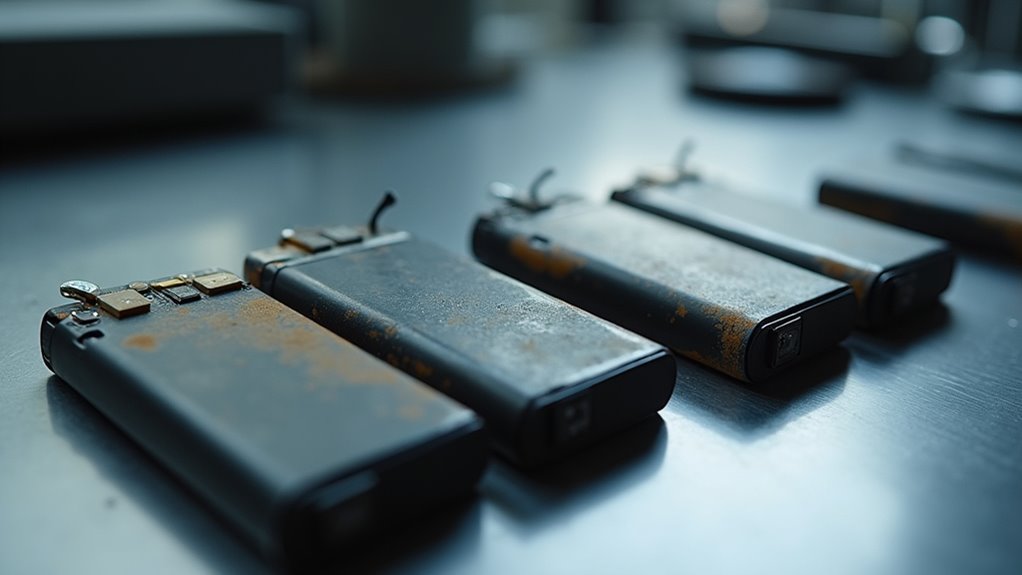
- It feels thicker, puffy, or uneven.
When you spot these changes, you’re not alone. Many people miss them initially.
Still, your battery is asking for attention, and you can listen before the problems grow.
Replacement Timing Factors
As soon as those wear signs start to show, the next question is simple: is it still worth keeping this battery in service, or is replacement the smarter move? You should weigh capacity loss, slower charging, and heat damage against your daily needs.
Should the battery now quit early, miss power fast, or need constant charging, it could be time to move on. Check warranty timing to begin with, because a covered swap can save you stress and cash.
Then compare replacement cost with the value of reliable use. In the event you depend on this gear for work or your crew’s plans, trust matters.
A battery that’s dropping below usable life can hold everyone back. So, pick the path that keeps you confident, ready, and plugged into the group.
Frequently Asked Questions
How Is One Full Battery Cycle Counted?
You count one full battery cycle whenever you use 100% of its charge, even across multiple sessions. Charge counting and depth profiling track that total, so two 50% discharges equal one cycle.
Do Partial Charges Count Toward Cycle Life?
Yes, you count partial charges toward cycle life, but they add up as partial cycles. You’ll usually get more total life from shallow cycles than from deep ones, so keep your battery’s swings smaller whenever possible.
Why Do Lithium and Lead-Acid Batteries Age Differently?
Lithium and lead acid batteries age differently because they use different electrochemical mechanisms and have different calendar aging rates. You will usually get more cycles from lithium batteries, while lead acid batteries suffer faster sulfation, heat damage, and stress from deep discharges.
Does Temperature or Cycle Count Matter More?
Temperature effects usually matter more than cycle counting, because heat can quietly steal your battery’s strength like a slow fire. You will protect it best by staying cool, using shallow cycles, and charging wisely with others who care.
Can Battery Health Improve After a Full Charge?
No, your battery health usually will not improve after a full charge. You might see temporary battery rejuvenation from recalibration, but charging myths overpromise; full charges rarely restore capacity, and shallow cycling still helps long term.