Book Appointment Now

Why Your Phone Battery Drains So Fast
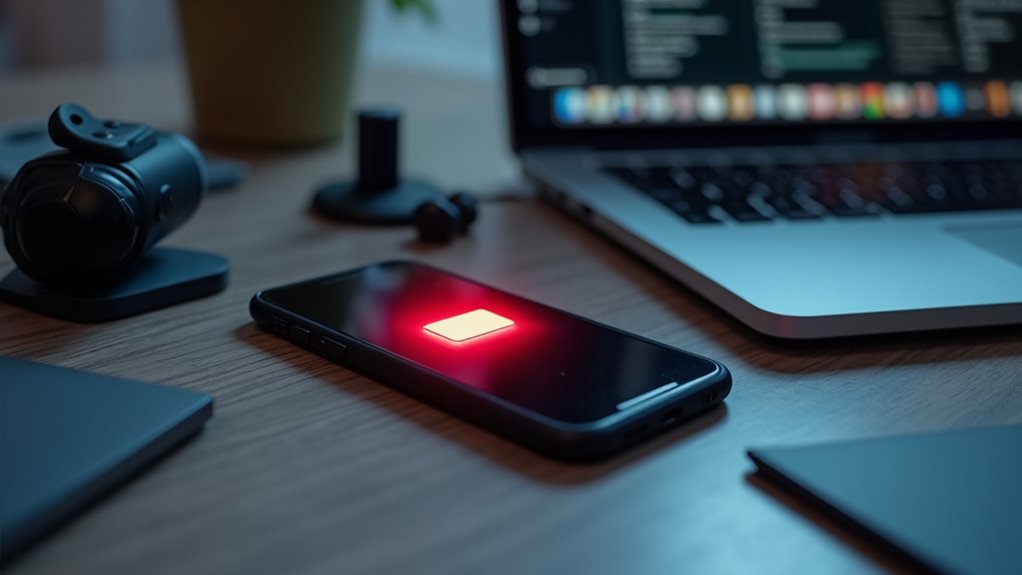
Your phone drains fast because several common features and conditions constantly use power. A bright screen, background app refresh, location services, and Bluetooth searching are top offenders. Poor cellular signal and high temperatures force the phone to work harder and consume more battery. Older batteries lose capacity and empty quicker than new ones. Frequent push notifications and active syncing also chip away at charge throughout the day.
Why Does Your Phone Battery Drain So Fast?
Usually, a phone battery drains fast because the phone is working harder than you realize. You may keep the brightness high, leave the screen on too long, or skip simple power management features that help your phone breathe.
Whenever you adjust display settings, you give the battery a break and make the day easier on yourself. Good charging habits matter too, because topping off at odd times or letting the phone hit empty again and again can wear it down faster.
Should you want steadier life from your device, start with the basics: lower brightness, use adaptive brightness, shorten timeout, and keep an eye on updates. These small moves help you feel more in control and less stuck near a charger.
Background Apps and Notifications
Once your phone starts losing power for no clear reason, background apps are often part of the story. You may not see them, but they can keep checking updates, syncing files, and waking the device again and again. That steady activity adds up fast.
Push notifications also play a role, because every alert can trigger work behind the scenes. To help your battery feel less stressed, open your app settings and review app permissions. Turn off access for apps that don’t need to run all day. Then check battery use and limit the ones you rarely open.
Whenever you trim this concealed activity, your phone can rest more, and you can feel more in control too.
Bright Screens and Display Settings
Whenever your phone seems to be losing power way too quickly, the screen could be a big reason why. You can help it last longer through turning down brightness and using Adaptive brightness so the display adjusts for you. Should your phone has OLED benefits, Dark Mode can save even more power because black pixels use less energy.
You should also shorten screen timeout so the screen doesn’t stay awake when you set it down. These small changes fit into your day without much effort, and they make a real difference whenever you’re trying to keep up with friends, work, or school.
Were you to like a bright display, that’s okay. Just nudge it lower whenever possible, and your battery will thank you.
Location, Bluetooth, and Wi‑Fi
Whenever your screen settings are already in good shape, the next thing to check is the connections your phone keeps working on in the background. Location, Bluetooth, and Wi-Fi can sip power all day, even whilst you’re not using them. You don’t need to turn everything off forever, but you can be choosy and protect your battery.
- Use location only for apps that truly need it.
- Set privacy permissions to Allow only while using the app.
- Turn off Bluetooth when your earbuds or watch aren’t connected.
- Try airplane mode whenever you want a quiet break from extra battery use.
If you’re in a group chat, these small choices help your phone stay ready for you, not busy for no reason.
Weak Signal and Constant Searching
Whenever your phone sits in weak coverage, it keeps hunting for a better signal, and that constant searching can drain the battery fast.
You could notice this most whenever bars drop low, since your phone works harder just to stay connected.
Even provided you’re not using it much, poor reception can still wear the battery down in the background.
Signal Hunting Drain
A weak signal can drain your phone faster than you’d expect, because your device keeps searching for a stronger connection and uses extra power doing it. That constant signal hunting can feel like your phone’s working overtime just to stay with you. Whenever roaming drain kicks in, the battery drops even faster.
- Your phone increases radio power to stay connected.
- It keeps checking for towers again and again.
- Battery life slips while you text, call, or scroll.
- Airplane Mode can stop the nonstop search.
You’re not doing anything wrong, and this problem happens to lots of people. So whenever your battery seems to fall fast, look at the signal initially. A steady connection helps your phone relax, and that means more power left for the moments you actually need it.
Weak Coverage Impact
Because weak coverage makes your phone work harder, the battery can drop faster even in case you’re barely using it. Whenever bars fade, your phone increases power to keep a link, and weak coverage can add stress during network congestion.
You might notice this in crowded places, basements, or rural roads. Then tower handoffs can happen more often as you move, and each switch asks for extra energy.
That doesn’t mean your phone is broken. It just means it’s trying to stay connected for you and the people you count on.
Should you keep seeing fast drain in low-signal spots, try moving to a clearer area or turning on airplane mode whenever you don’t need service. Small changes can help your battery last through the day.
Battery Strain From Searching
Even a strong battery can feel worn down whenever your phone keeps hunting for a better signal. In weak coverage, your phone runs its search algorithm again and again, and that extra query load eats power fast. You might notice the battery dropping even when you’re barely using it.
- It checks nearby towers nonstop.
- It amplifies radio power to stay connected.
- It retries calls, texts, and data.
- It keeps scanning, even in your pocket.
That constant effort can make you feel stuck with a phone that works harder than you do. Should you be in a low-signal spot, switch on Airplane Mode or move where bars improve. Then your phone can relax, and so can you.
Battery Health and Age
As your phone gets older, its battery can start to lose the stamina it once had, and that often feels frustrating while you’re still trying to get through a busy day. You’re not doing anything wrong; battery aging happens to every device.
Over time, the cells hold less charge, so your phone might drop from full to low much faster than before. In case you’ve checked capacity assessment results and seen health numbers slide, that’s a clear sign the battery is wearing out.
You can still belong to the “my phone still works” club, but the battery could need more help. Heat, deep drains, and constant topping off can speed the wear, too.
Whenever loss gets serious, a replacement often brings back the steady power you miss.
Which Apps Drain Your Battery Most?
Should your battery seems to vanish faster than you’d like, the apps you use most could be the real culprits. You’re not alone, and a few usual suspects often show up initially. Some apps stay busy in the background, check app permissions too often, or pull data all day. Media streaming apps can drain fast because they keep your screen, network, and speakers working hard.
- Video apps use extra power for nonstop playback.
- Social apps refresh feeds and send alerts.
- Games push your processor and graphics.
- Maps and ride apps use location often.
When you check battery use, you’ll see which ones keep asking for more. That little list can help you spot the heavy hitters without guessing, so you can feel more in control.
Ways to Make Your Battery Last Longer
Start with the easiest fixes, because small changes can give your battery a much longer day. Lower your screen brightness, shorten screen timeout, and turn on Dark Mode whenever you can.
Next, check which apps keep waking your phone, then limit background activity for the ones you don’t need.
After that, trim wireless drain through switching off Bluetooth, Wi-Fi, or location whenever you’re not using them.
Good charging etiquette matters too. Try to keep your phone between 20% and 80% most days, and avoid hot places while it charges. That kind of battery cycling helps slow wear.
Should your phone still feel thirsty, update the software and restart it. You’re not alone in this. A few steady habits can make your battery feel kinder, calmer, and ready for your day.
Frequently Asked Questions
Does Overheating Permanently Damage Phone Battery Capacity?
Yes, overheating can permanently damage your phone battery capacity through permanent degradation and thermal cycling effects. You will notice shorter runtime over time, but you can protect it by keeping your phone cool and avoiding charging it while it is hot.
Can Software Bugs Cause Sudden Battery Drain After Updates?
Yes — software bugs can drain your battery like a leaky bucket after updates. You will often spot runaway background syncs or app crash logs, and you are not alone; a quick update, restart, or app check can help.
Why Does Battery Drain Faster in Cold Weather?
Cold weather slows your battery’s chemistry, so you get reduced capacity and might see cold shutdowns. You will notice faster drain because your phone works harder, and you may feel left out if it dies unexpectedly.
How Do I Check if My Phone Needs a Battery Replacement?
You can check your phone’s battery health in settings. If it shows poor capacity, unexpected shutdowns, or service warnings, those are signs you should replace the battery. You are not alone; many phones need a battery replacement after normal wear.
Does Fast Charging Reduce Overall Battery Lifespan?
Usually fast charging does not dramatically shorten your battery’s lifespan, but it can nudge battery chemistry and charge cycles a bit. You’ll fit right in employing it wisely, avoiding heat, and unplugging before it’s fully topped off.