Book Appointment Now

What Causes Battery Health to Drop Quickly
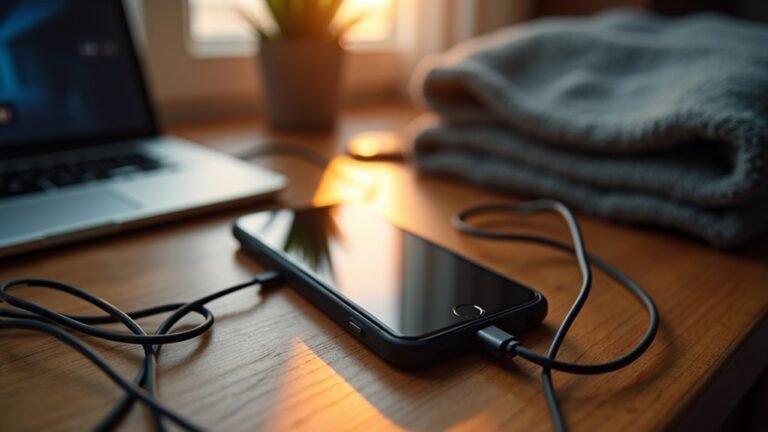
Phone batteries drop fast when they spend too much time at full charge or get drained near zero. High temperatures from charging, gaming, bright screens, or hot environments accelerate wear. Faulty cables, unstable chargers, and heavy background app activity add extra strain. Repeated fast charging and constant power cycling also reduce capacity over months. These combined stresses explain why many phones lose noticeable battery life within a couple of years.
What Causes Battery Health to Drop Quickly?
Often, battery health drops quickly because the battery gets hit with too much stress at once, and that stress usually comes from a few common habits.
You might drain it to 0%, then charge to 100% again and again, which speeds wear. Battery calibration can help your meter read better, but it won’t fix real aging. Also, charging myths can push you into habits that sound smart but hurt the battery, like always topping off or fearfully avoiding all charging.
Whenever you keep cycling between very low and very high levels, you add more chemical strain inside the cells.
Even normal use wears them down over time. So, should you want your device to stay in the group longer, treat those charge cycles gently and avoid deep discharges whenever possible.
Heat Damage From Charging and Daily Use
Heat can hurt your battery faster than you could anticipate, especially while you charge and use your device at the same time. You mightn’t notice it right away, but warm cells age faster and lose strength sooner.
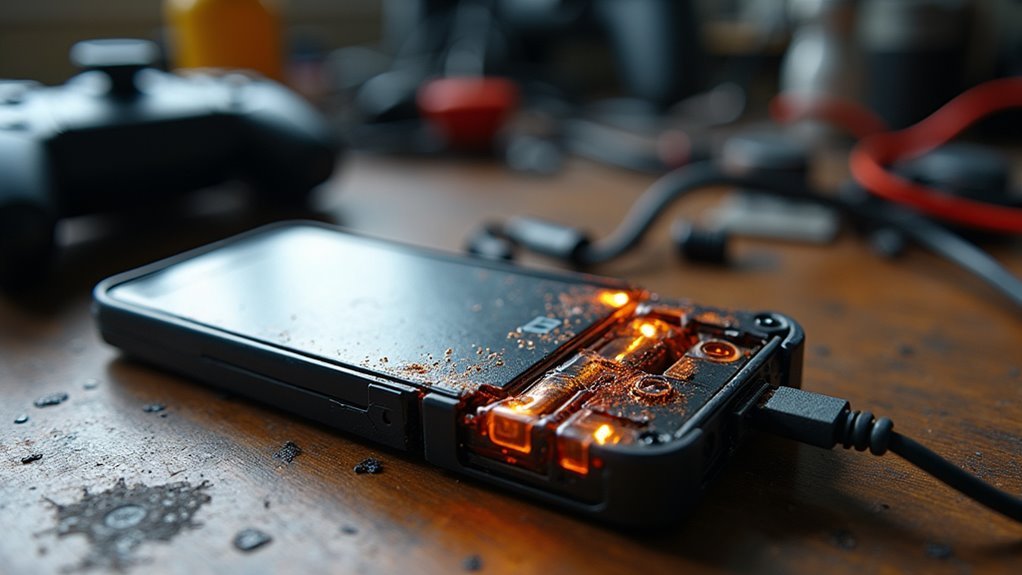
Whenever you game, stream, or keep too many apps open, your phone works harder and builds extra heat. That heat can trigger thermal throttling, so your device slows down to protect itself. It can also raise the risk of battery swelling, which is a serious sign of stress.
Even daily sun exposure or a hot pocket could add pressure. To help your battery stay with you longer, keep it cool, rest it during heavy use, and avoid piling on strain whenever it already feels warm.
Fast Charging and Overnight Charging
As you reach for a fast charger, it can feel like a lifesaver, but that quick surge can also add extra stress to your battery over time.
Whenever you rely on rapid charging every day, your phone heats up more often, and that heat can nudge battery health down faster. Overnight charging can do the same in a quieter way.
Even in case your device slows the flow after it hits full, the overnight trickle still keeps it near 100% for hours, which adds strain.
Should you want your battery to stay in the group for longer, try charging while you’re awake and unplugging once it’s full. That small habit gives your battery a calmer routine and less wear.
Deep Discharges That Stress Battery Health
Whenever you let your battery drop very low again and again, you put extra stress on its cells and speed up wear.
Deep discharges below 20% can cut into long-term capacity, so your phone has to work harder over time.
Should you keep cycling between near-empty and full, you’ll feel the strain in battery life sooner than you’d like.
Deep Discharge Stress
Deep discharges can wear a battery down faster than most people realize, and the damage often builds quietly over time.
Whenever you let your phone sink near empty again and again, you push its cell chemistry harder than it likes. That strain can weaken the tiny reactions that store and release power. A partial recharge is gentler because it keeps the battery in a safer range and lowers stress between cycles.
You don’t need to chase 100% every time, and your battery usually feels better with steadier habits. Suppose you often run low before plugging in, try topping up earlier. Small moves like that help you stay in control, and they also help your device feel more reliable day after day, without making charging a stressful chore for yourself.
Low Charge Damage
- You feel anxious once the icon turns red too soon.
- You worry your phone won’t last through the day.
- You notice the battery holding less power each week.
- You start plugging in just to feel safe again.
Instead, try to recharge before the battery sinks too low.
That small shift helps you stay in the group of careful users who get more from every charge.
Battery Cycle Strain
Cycle strain sneaks up on you, especially as your battery keeps slipping from nearly full all the way down to empty. Each deep discharge adds stress, and your battery feels that pressure every time you push it through another full loop.
Whenever you check cycle monitoring, you can see how often those heavy swings happen. That matters because repeated 0% to 100% charging wears lithium-ion cells faster than you’d expect.
You don’t have to quit using your device hard, though. Partial charging can ease the load through keeping you in safer ranges more often. Should you top up before you hit empty, you reduce chemical strain and slow capacity loss.
Small habits like this help your battery stay steadier, and they also help you feel less stuck with a fading phone.
How Screen Time and Heavy Apps Wear Batteries Down
Often, your screen does more than keep you entertained, because every minute you scroll, stream, or game, your phone works harder and the battery feels it.
Bright displays pull extra power, and heavy apps push the chip, so you might notice your battery dropping fast.
Whenever you keep several apps open, background processes stay active and quietly sip power all day.
That can feel frustrating, especially whenever you’re just trying to stay connected.
- You might feel stuck watching the percentage fall.
- You might miss the last photo or message.
- You might worry your phone is letting you down.
- You might feel left out whenever your group keeps chatting.
With better app optimization, your phone can waste less energy and give you more steady use.
Old Batteries Losing Capacity Over Time
As a battery gets older, it can’t hold onto energy the way it once did, and that change can feel pretty frustrating whenever your phone starts dropping faster than you expect. You’re seeing capacity fade, which happens as the battery’s chemistry slowly wears out.
Even should you treat your phone well, calendar ageing keeps moving in the background, so the battery loses strength just from time passing. Tiny internal changes build up, and the cell can’t store or release power as easily.
That’s why an older battery might seem fine one day and weak the next. In case your device feels less dependable, you’re not alone. Lots of people notice this same slow shift, and it’s a normal part of battery life, not a personal failure.
Bad Cables, Chargers, and Power Sources
When you use a faulty cable, your phone might get weak or uneven power, and that can strain the battery over time.
A cheap or damaged charger can do the same thing, especially provided it runs hotter than it should or fails to regulate output well.
Even unstable power sources, like a loose outlet or poor car adapter, could make charging less consistent and leave your battery under extra stress.
Faulty Cable Damage
Bad cables and chargers can quietly wear down your battery long before you notice a real problem. Whenever frayed insulation exposes wires, or connector corrosion blocks a clean connection, your device can face small power shocks that add stress. You could feel annoyed, but you’re not alone, and this is fixable.
- A worn cable can make charging feel shaky and unsafe.
- A rusty plug can trap heat where your battery needs calm.
- A cracked tip can interrupt power and leave you worrying.
- A bad wall adapter can turn a normal charge into a rough one.
Weak Charger Output
A weak charger output can quietly drag your battery down, and it often starts with the little things you barely notice.
Whenever your charger gives insufficient amperage, your phone might sip power instead of filling up cleanly. That slow flow can keep the battery active longer than needed, which adds wear over time.
Bad cables can make this worse through adding resistance and causing fluctuating voltage, so charging feels uneven. You could also notice extra heat near the plug, which is a clue that power isn’t moving well.
Should your charger feel loose, gets warm fast, or charges only in certain spots, trust that sign. You deserve gear that keeps up with you, not one that makes your battery work harder every day.
Unstable Power Sources
- You might feel stuck whenever your phone drops fast.
- You might worry whenever charging looks random.
- You might feel let down because gear you trusted.
- You might notice a shaky power setup at home or work.
If you rely on a generator, generator instability can make things worse. So, choose certified parts, check for frayed cords, and swap out anything that feels loose. Good power helps you stay in the group, not on the sidelines.
Extreme Temperatures and Battery Wear
Extreme temperatures can wear down your battery faster than you could anticipate, because heat and cold both push lithium-ion cells outside their comfort zone. When you leave your phone in a hot car or under direct sun, it can trigger thermal throttling, which slows performance and adds strain. Heat also speeds chemical breakdown, so the battery ages faster than it should.
In very cold weather, the battery’s materials stiffen, almost like a tiny phase change that makes power move less smoothly. You might notice sudden drops, weak charging, or fast drain, and that can feel frustrating whenever you’re just trying to stay connected. Fortunately you’re not stuck with that problem. Keeping your device near room temperature helps it work with you, not against you.
How Full Charges Affect Battery Health
Holding your phone at 100% could seem harmless, but it can quietly add stress to the battery over time. Whenever you keep it topped off, battery chemistry stays under pressure, and that can speed up wear inside the cell.
You don’t need to chase a perfect charge every time. In fact, partial charging often feels easier on the battery and on you, too.
- You might feel less worried about sudden drops.
- Your phone can stay healthier for longer.
- You avoid the stress of constant 100% charging.
- You join plenty of people who charge smarter.
Battery Settings That Hurt Battery Health
Sometimes, the settings you choose on your phone can wear down the battery faster than you’d expect. Whenever you keep brightness high, skip adaptive brightness, or use restricted settings that limit power-saving tools, your phone works harder all day. That extra strain can make the battery feel weaker sooner, and it can leave you hunting for a charger when you’d rather relax.
You can also hurt battery health with nonstop syncing, always-on location, and heavy screen timeout settings. These choices keep the device awake more often, so it burns through energy faster. Then you charge more often, which adds more wear over time. In case your phone offers battery optimization options, use them. Small changes here help you feel more in control, and your battery gets a calmer, kinder routine too.
Simple Habits That Slow Battery Health Loss
You can slow battery health loss via keeping your phone out of hot cars, direct sun, and other extreme temperatures.
It also helps to keep the charge between about 20% and 80% instead of pushing it to empty or full all the time. These simple habits take pressure off the battery, and they’re easy to build into your day.
Avoid Extreme Temperatures
Heat can wear a battery down faster than almost anything else, so keeping your device away from extreme temperatures is one of the simplest ways to slow battery health loss.
Whenever you avoid sunlight, you help your phone stay cooler and more stable through the day.
Should you ride in a hot car or step into icy weather, give it a break in insulated storage, like a bag or case that shields it from sudden shifts.
- You protect your device from that sinking, overheated feeling.
- You help your battery stay part of the group longer.
- You avoid the frustration of a phone that feels worn out too soon.
- You give yourself a little peace when the weather turns rough.
Small temperature choices matter, and they help your phone keep pace with you.
Keep Charge Levels Moderate
Keeping your battery in the middle range usually gives it the easiest life. You help it most whenever you avoid full 100% charges and deep dips below 20%. Those swings push extra wear into the cells, while steady use in prime ranges keeps stress lower.
In case you plug in for short top-ups, you don’t need to chase every last percent. That rhythm feels calmer for your device and for you. Also, trickle charging can be useful near full, but don’t leave it there for hours every day. Instead, aim for middle-of-the-road levels during routine use. You’ll build a simple habit that fits normal life and helps your battery age more slowly, without making charging feel like a chore.
Frequently Asked Questions
Can Battery Health Recover After Dropping Quickly?
Usually, you can’t fully recover battery health after it drops quickly, but you could see a small battery rebound through improving charging habits, reducing heat, and avoiding deep discharges. You’re protecting what’s left.
Does Battery Health Affect Phone Performance?
Yes, it does because your phone loves drama. Whenever battery health drops, you’ll notice slower performance, shorter runtime, and unexpected shutdowns. Battery calibration can help readings, while software throttling might protect your device’s stability.
How Can I Check if a Battery Is Swollen?
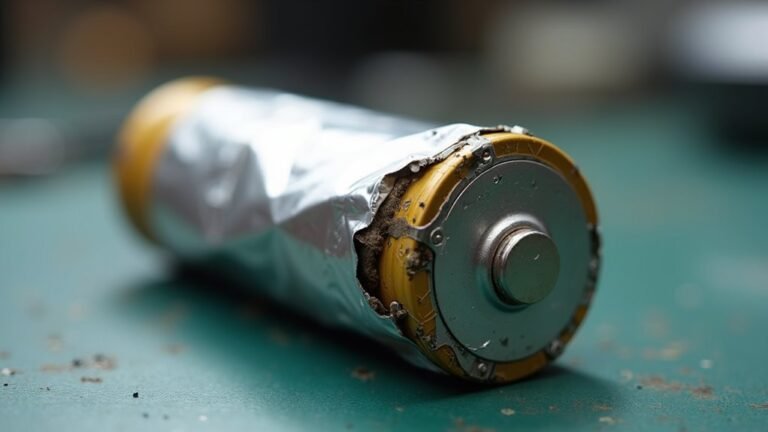
You can check through a visual inspection: look for battery bulging, a lifted screen, or a case that will not sit flat. If you notice swelling, stop using the device, power it off, and get help.
Are Battery Health Readings Always Accurate?
Not always, old friend. Your battery health readings can drift. Calibration myths persist, but diagnostic tools help you verify trends. You’ll belong to the wise crowd once you compare readings with real world runtime, charging behavior, and updates.
When Should a Battery Be Replaced?
Replace your battery when it can no longer hold a day’s charge, shuts down unexpectedly, or swells. Check your warranty first and then compare service options to find the best timing and a replacement battery that fits you.